Can you turn the fireplace down and leave the rain where it is? In RainSleep’s Cozy Cabin preset, rain and fire share one track. The piano has its own track. You can change the piano separately, but turning down the first track lowers both the rain and the fire.
In a discussion on r/calm, a listener found the crackles a little sharp. The useful question when that happens is what you can turn down without losing the part you want to hear.
What Cozy Cabin loads
Cozy Fireplace Crackle & Rain on Roof is a single 30:04 recording. It contains roof rain and intermittent fire crackles. “Quiet Night Piano” is the second, separate track in the preset. The player beneath this article’s title previews the first recording without the piano.
Pick the control that fits what you hear
| What you want | What to change |
|---|---|
| Everything quieter | Lower “Master Volume”. |
| Less piano with the rain and fire at their current level | Lower the piano slider. To take it out, select “Remove” on its row. |
| Less rain and fire together | Lower the slider on the combined track. |
| Less fire with rain at the same level | The preset cannot change that balance. Try a rain-only recording instead. |
Try the two tracks in the Mixer
- In the Mixer, select “Cozy Cabin”. This replaces the current mix and starts playback. If nothing plays, select “Play All”.
- Find the two track rows. Lower the piano slider first to hear what changes while keeping the combined track at the same setting.
- To keep only the rain and fire, select “Remove” on the piano row. The combined recording stays in your mix. Select “Pause All” when you are done.
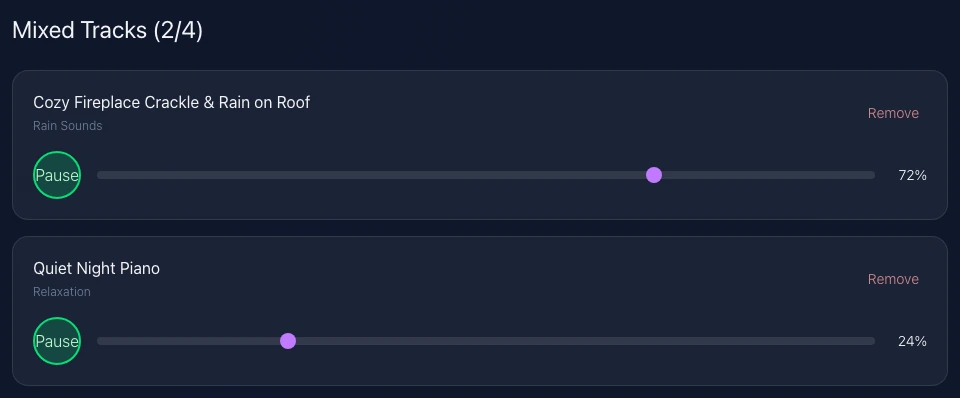
Actual RainSleep screenshot, shown in English. Each row adjusts one recording. The displayed levels are examples.
If the crackles still stand out
Lower the combined track a little and listen again. If the crackles still stand out and the rain is now too quiet, use Gentle Rain for Relaxation instead. To make that switch in the Mixer, remove the combined track, add the rain recording and select “Play All”. Adding a sound manually does not start it. If the piano is still in the mix, remove it too so only the rain plays.
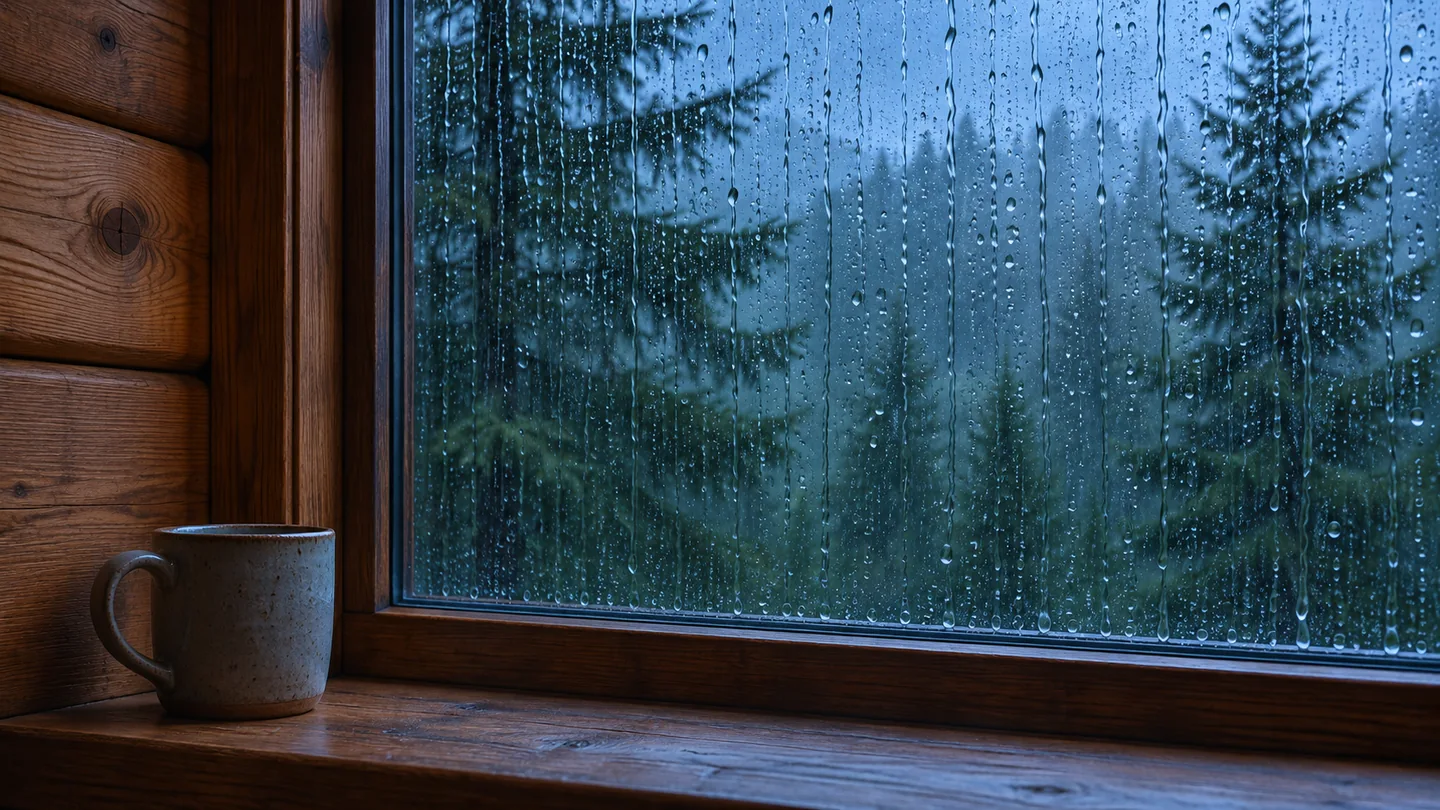
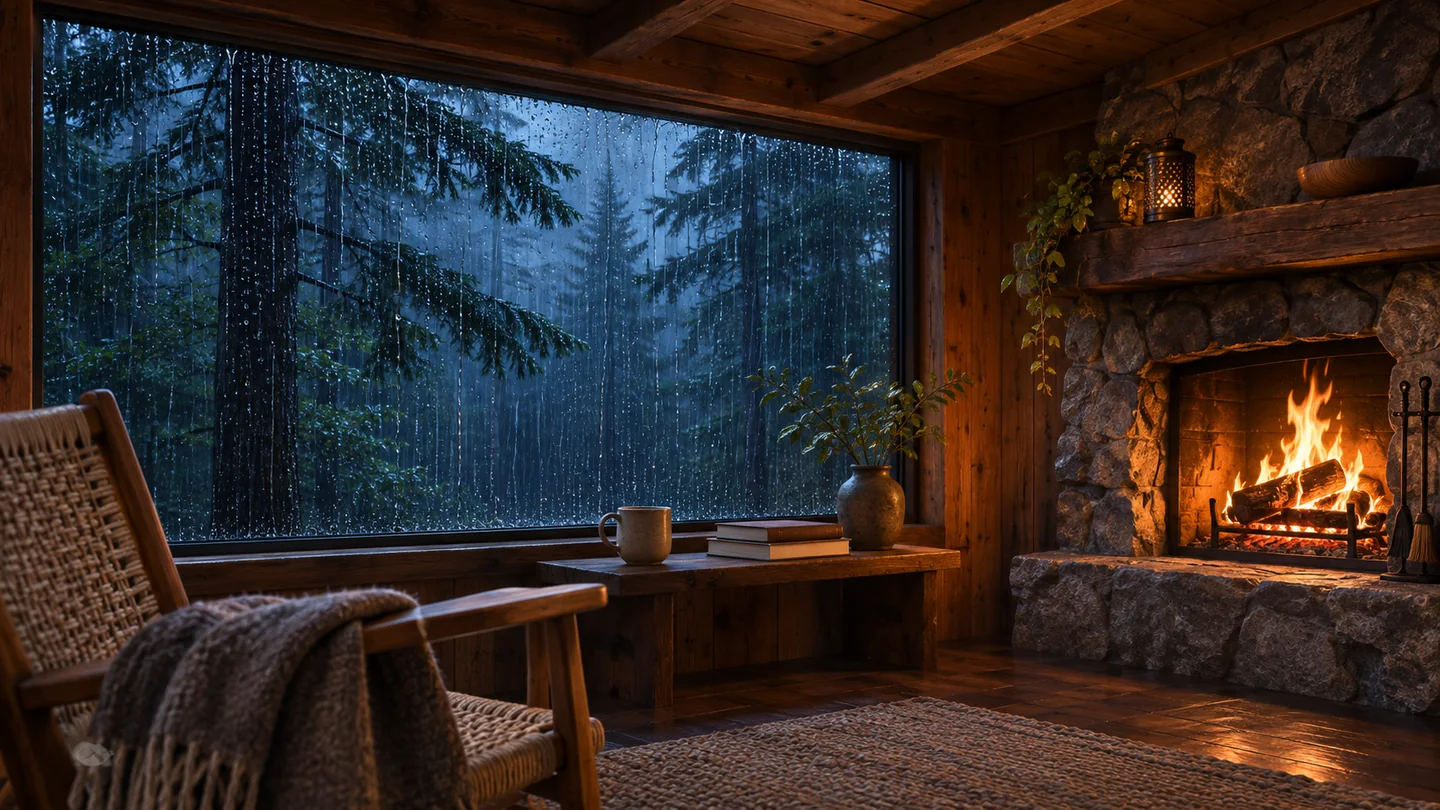
AI-generated illustration for the rain-only choice, without fireplace crackles.
Listen briefly before you settle on a mix
Try the sound for a moment where you plan to listen. If both rain and crackles suit you, keep the combined recording. If the crackles keep drawing your attention, choose plain rain or stop. You can also start a mix from scratch with one recording.
Sources and scope
AmbientNoise’s cabin scene, Giggleus Sleep Sounds and MindTuned’s studio show other ways to arrange rain and fire controls. Their track settings are specific to their own tools. The steps here follow RainSleep’s actual preset and describe its playback controls; they make no claim about sleep outcomes.