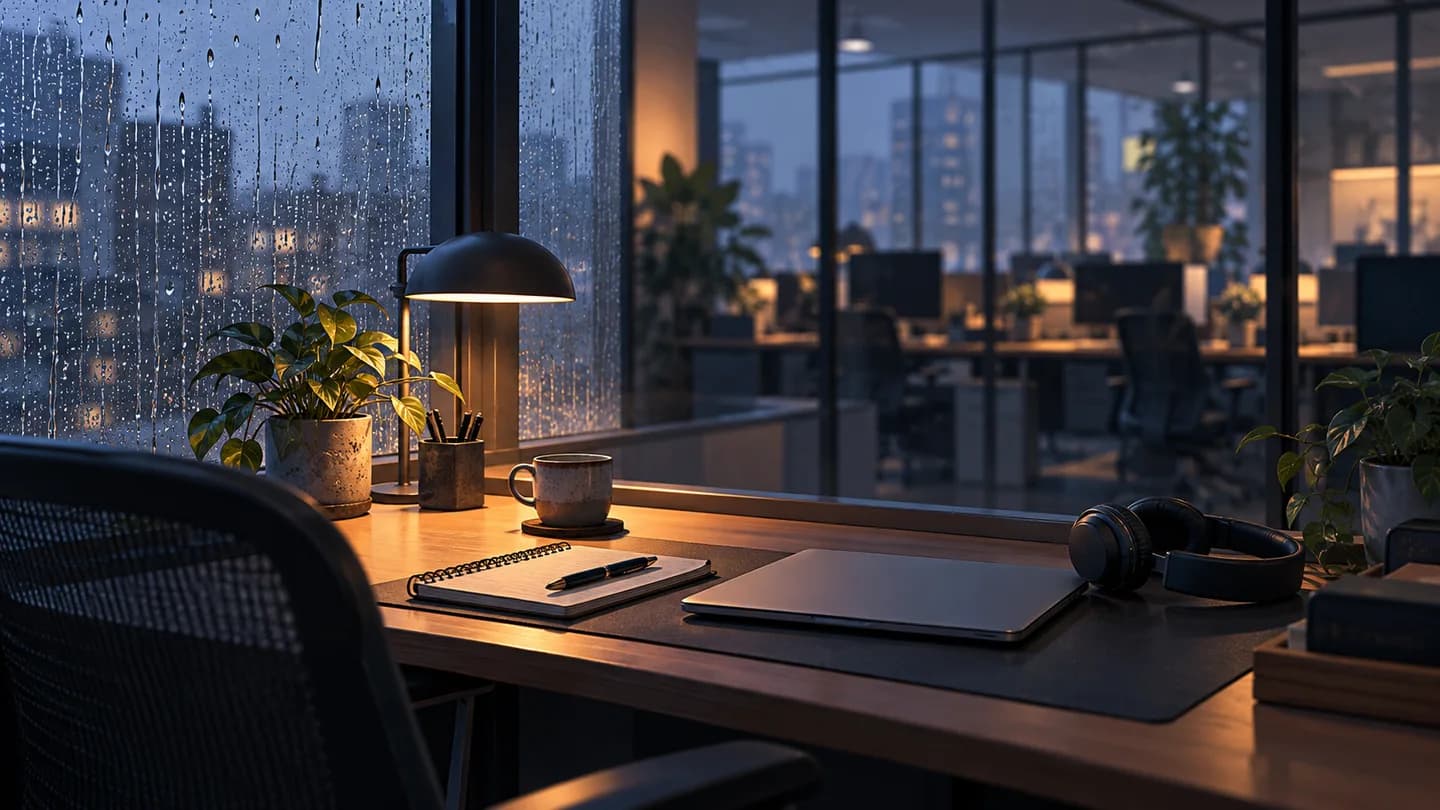
Rain sounds for work are worth trying when nearby conversations keep pulling you away from a task. Start with one recording at a comfortable, quiet level. Keep it only if the whole situation feels less distracting; the aim is not to make every voice disappear.
RainSleep plays background audio. It does not provide active noise cancellation, soundproof a room, or guarantee better concentration. If you need increasingly loud rain to compete with the room, change the setup rather than treating volume as the solution.
Identify what is pulling your attention
| What you notice | A useful next step |
|---|---|
| You keep following the conversation next to you | Try one quiet rain track while doing the same kind of work. |
| A particular droplet or sound change becomes the distraction | Choose another recording or turn the audio off. |
| Nearby speech is still intrusive at a comfortable level | Move farther away, ask for a quieter work period, or use another space. |
| You need to hear calls, colleagues or alerts | Pause the background or keep the necessary cues clearly audible. |
A listening decision, not a measured sound-blocking result or a product screenshot.
Set up one rain track in RainSleep
Try Gentle Rain for Relaxation as a starting point. Its published description records a relatively even, white-noise-like rain texture with a few isolated droplets. That describes this file; it does not mean all rain recordings sound alike or that this one will mask conversations in your room.
Use the sound-page player for a single recording. If you prefer the Mixer, add it manually, then start playback with the playback control. Adding a track is not the same as playing it. Keep other layers off at first so you can tell what this recording changes.
The small player under this article's title lets you preview the related sound. Stop it when you want to compare with no added audio. For detailed mixing and saving instructions, use the custom rain mix guide.
Compare it during real work
- Pick a small task you actually need to finish, such as reading a paragraph and writing a note.
- Try a short stretch with no added sound, then a comparable stretch with quiet rain. Leave the other settings alone.
- Notice both the room and the work: are you still following the conversation, repeatedly adjusting the player, or rereading more than you want?
Keep the rain, lower it, or turn it off according to that experience. This informal check is not a controlled experiment or proof of a productivity benefit. If the choice is unclear, you do not need to settle it by adding more layers.
Respect the shared room
A desk speaker adds sound for other people too. Ask before using one in a shared office; a sound you enjoy may be someone else's distraction. Headphones are another listening option, but the website itself does not add noise cancellation to them.
Keep important calls, instructions and alerts available. Pause for a conversation instead of trying to work around it with louder audio. If the background becomes uncomfortable, lower it or stop. Sometimes the useful change is a different seat or a quiet work period, not a different soundtrack.
Quick questions
Should the rain completely cover every voice?
No. Do not use total silence from other people as the target. If nearby talking remains too distracting at a comfortable level, change the room conditions or pause the audio.
Does a pleasant sound mean I am working better?
It may simply feel more pleasant. Check whether you can continue the actual task without extra fiddling; this guide makes no claim about measured concentration or output.
Where the question came from
Starting point: a real office-chatter discussion. Further reading: NoisyWorld's voices guide and The Quiet Hub's study-sound comparison. Individual reports are not guarantees for your room.